A notable feature of DC-Desktop is the availability of multiple dark-mode themes. However, these do not adjust automatically based on the time of day; the “automatic” mode toggles between the default dark theme and the default light theme. In my view, it would be better if users could assign a specific theme to each mode.
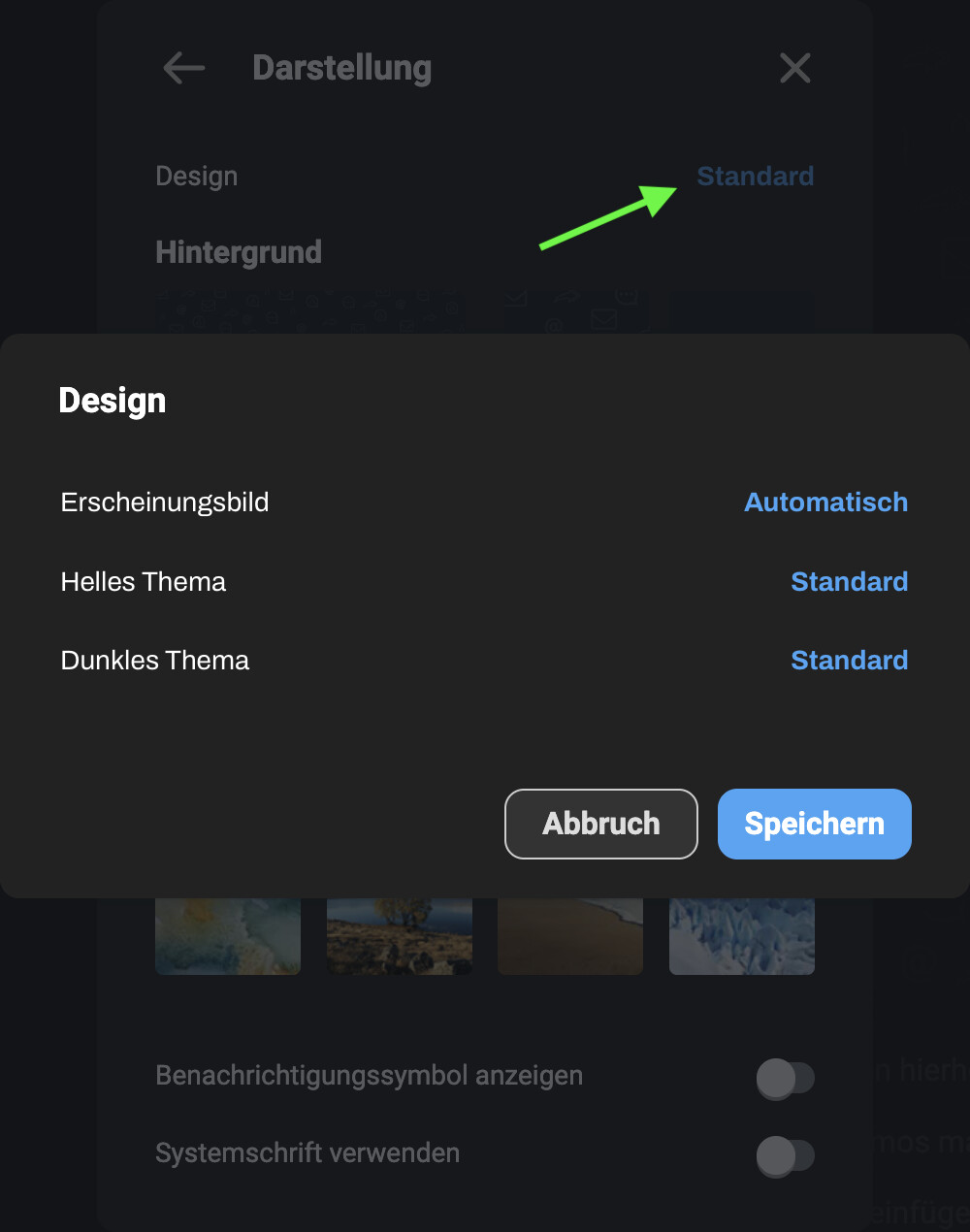
In the “Appearance” screen, the “Design” option is set to “Standard” by default. Depending on the time of day, the application automatically switches between the default light theme and the default dark theme. Clicking this option opens a menu where users can decide whether to switch between light and dark modes at all (choosing from “Automatic,” “Light mode,” or “Dark mode”) and specify which theme should be used for each mode. While currently only various dark themes are available, it is possible that alternative light themes will be added in the future.
If users modify the default settings in this menu, the status displayed under the “Appearance” screen will change from “Automatic” to “Custom.”