-
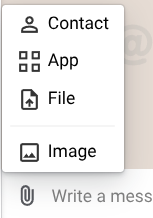
Click “attach” button, select “Contact”:
-
Select the contact that you want to send. For the contact “Me”, scroll to the very bottom:

-
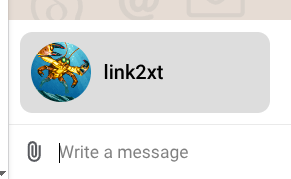
Contact gets attached to the message, send it:
-
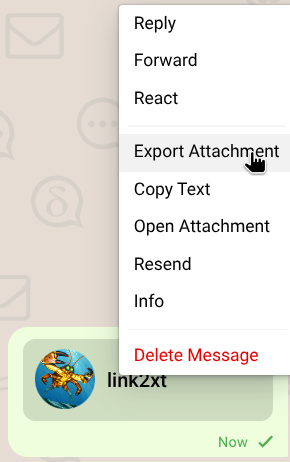
If you want to transfer it outside Delta Chat, click “Export”:
You can transfer the file however you want. -
To add the contact, click on the message with the attachment.
See also related proposal to make it easier: