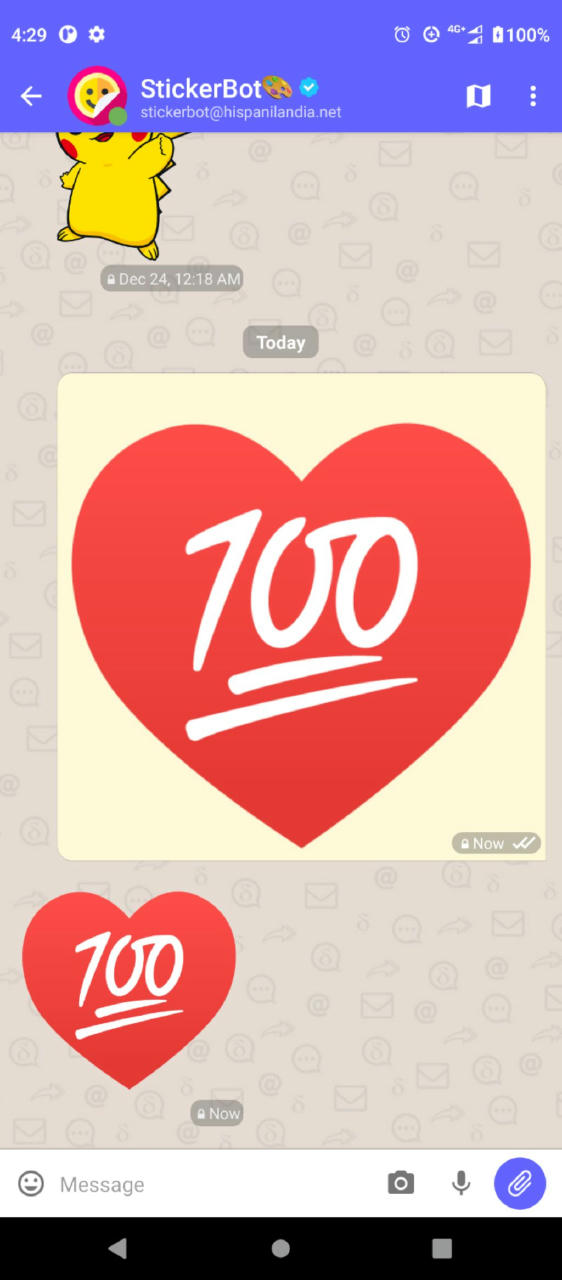
a bot that allows to search and download stickers packs from Signal and also helps converting .tgs files to .webp stickers, etc.
for more info send /help to stickerbot@hispanilandia.net
full up-to-date list of SimpleBot instances:
a bot that allows to search and download stickers packs from Signal and also helps converting .tgs files to .webp stickers, etc.
for more info send /help to stickerbot@hispanilandia.net
full up-to-date list of SimpleBot instances:
that is cool 
but is there any way to add the downloaded stickers to δChat? or we have to add the sticker as an attachment every time?
in desktop there is a trick to enable an sticker selector, for that you have to create an stickers folder inside your account folder (on GNU/Linux is something like ~/.config/DeltaChat/accounts/YOURACCOUNT/ you can see this path when pressing the info in some message with attachment or so) then inside the stickers folder you put each pack’s folder
in Android you can use an app like EweSticker, or attach the sticker with the “attach image” button in AnySoftKeyboard or other keyboards might allow this
thank you for that. it worked
but it seems the receiver should have the same thing available. it’s just sending the name of the sticker so if they don’t have it they see an error.
ugh!? that is not how it works, it sends the image attached similar to a normal message with an image attached but with a view type “sticker” so other Delta Chat clients know that it should be displayed as sticker, if you want to test write me to adbenitez@nauta.cu
sorry that it took waaaay too long for me to answer.
I realized that the problem was because of sticker names…
some stickers have a long name like this"1.smiling_face_with_smiling_eyes+😊.webp" when I send these ones it just shows the name without showing the sticker. renaming them to a number, solved that problem
I also had another problem, some sticker packs were shown as broken images, I realized they have characters like % in their name so removing that characters from folder name solved that problem.
thank you  it’s really great!
We did fix something lately in this area, so chances are that this problem will be fixed in the next version.
I’m not sure how to send stickers, my GF can send them from Android and I can see them on iOS, but I don’t know how to send 'em. I like making stickers in real life so I’d like to use 'em in the world of digital too.
not sure how iOS work, but on android the keyboards can send stickers and to send custom stickers there are apps like EweStickers, on iOS I guess the keyboard has some, don’t know if the keyboard allows to browse and select an image to send, if it does, the image will be sent as sticker, for example AnySoftKeyboard app on android allows to attach image and it is sent as sticker
I just changed some of the names and it seems to be fixed.
thank you